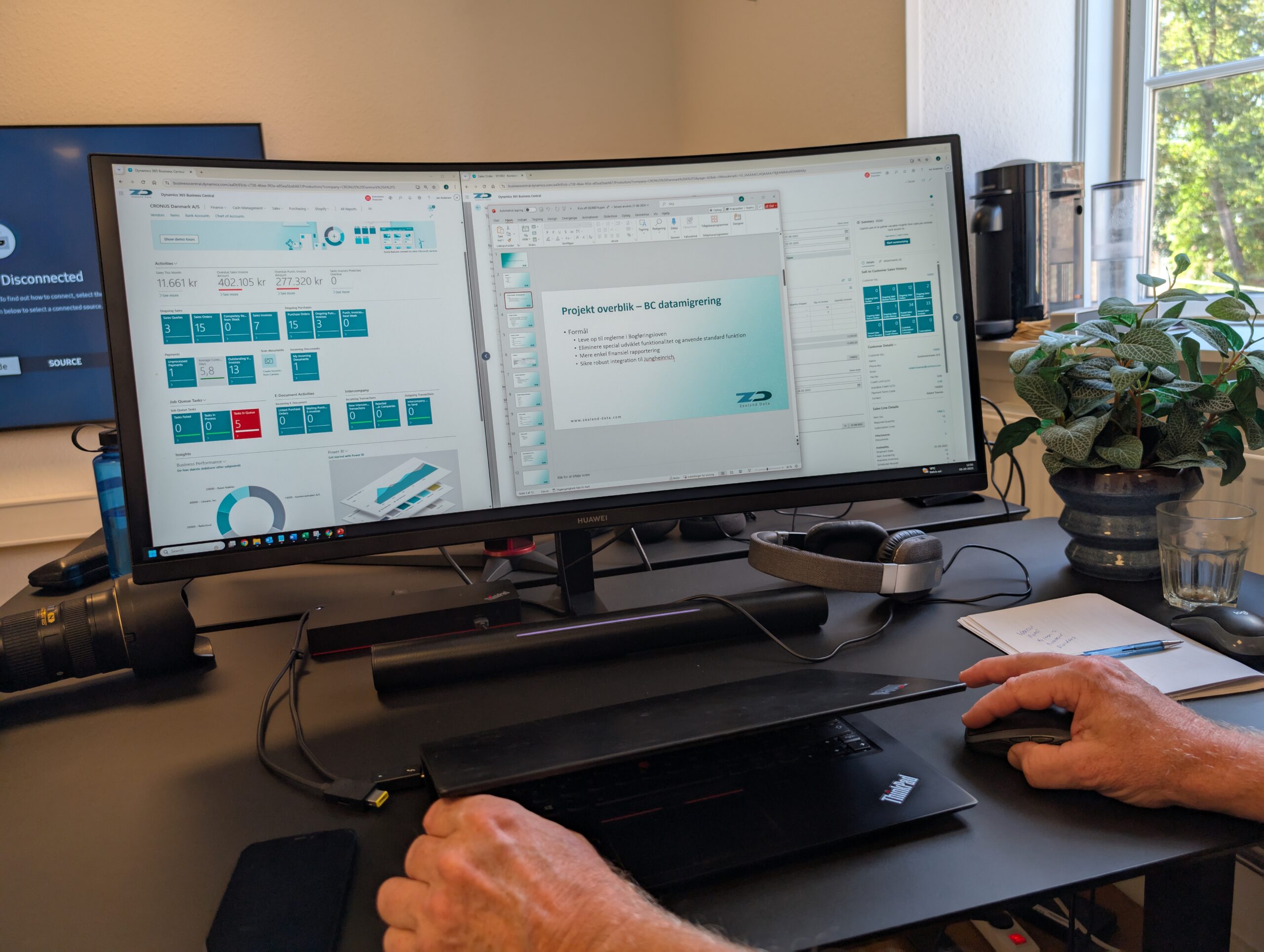
From overwhelming data to insights you can act on

Do you want to make business-critical decisions based on better information?

Power BI is a powerful tool designed specifically for that purpose. It provides you with better data insights, reduces the need for manual reporting, and offers a clearer picture of where to focus your efforts—both for management and in day-to-day operations.

At Zealand Data, we help you create structure, context, and a clear overview—so you can act on the insights that make a real difference for your business. After all, your company’s data only becomes valuable when it’s actively used.
Get help implementing Power BI

When data is available—but doesn't lead to action

Many companies invest in a business intelligence solution with the goal of becoming more data-driven. But the reality is often quite different:

  • The reports mirror the old Excel models exactly.
  • Employees don't understand how to use the reports.
  • Data is scattered across multiple systems without any connection between them
  • Reports are not being adequately maintained. 
  • The result? Decisions are still made based on gut feelings.

At Zealand Data, we operate on the basis of one fundamental principle: The goal of any analysis is to inspire action. Charts and dashboards may look impressive, but if they don’t lead to concrete decisions, they’re worthless.

Make Your Data Work for You—with Power BI

Zealand Data is your trusted advisor in business intelligence. We help you gather data from your systems, organize the structure, and design reports tailored to your daily operations and business. This way, you get a solution that doesn’t just provide data—but real insights you can act on.

We'll help you:

  • Collect and organize your data—from Business Central, CRM, your online store, and other systems
  • Ensure transparency in your reporting
  • Provide you with an overview of key metrics and trends such as earnings, sales trends, inventory levels, production output, and contribution margin
  • Develop user-friendly Power BI solutions tailored to your business
  • Ensure that your data is actively used in your day-to-day operations

The Business Intelligence Process

At Zealand Data, we start with consulting—not the technology. Here’s what a typical BI project looks like.
1

Needs Assessment

Focus on what your business wants to achieve and what’s missing today.
2

Consulting & Planning

BI Strategy and Recommendations Based on Business Objectives.
3

Solution Design

Plan for the data platform, sources, reporting structure, etc.
4

Development & Setup

Data warehouse, integrations, reports in Power BI, etc.
5

Implementation

Rollout, adjustments based on feedback, and verification of functionality.
6

Workshop

Integration into the team, training in use and maintenance.
7

Commissioning

We develop a detailed plan and ensure a smooth transition that does not disrupt operations.
8

Service Agreement

Ensuring operations, further development, and adaptation to new needs.

What do you get out of the collaboration?

A solution that provides a clear overview and can be actively used

Automated reporting instead of manual data extracts

Clear Link Between Data and Business

Greater decision-making power and faster response times

Opportunity for ongoing development and optimization

Useful dashboards for all levels of your organization

Power BI is constantly evolving—your business can do the same

Microsoft updates Power BI every month with new features and improvements. That’s why our collaboration doesn’t end once the report package is ready.

At Zealand Data, we keep our clients up to date with the latest insights and best practices for presenting data.

We view report development as a dynamic process that requires ongoing adaptation and optimization to ensure your solution remains sharp, relevant, and action-oriented at all times.

Would you like to take a Power BI course?

Want to become an expert in Power BI? We offer both one-on-one instruction and corporate training courses focused on hands-on learning and quick results.

We offer:

  • One-on-one courses for employees who want to get started with Power BI
  • Corporate training courses for 5–20 participants—for example, for Excel users who need to transition to Power BI
  • Instruction on functions, report structure, and data requirements
Contact us to learn more